
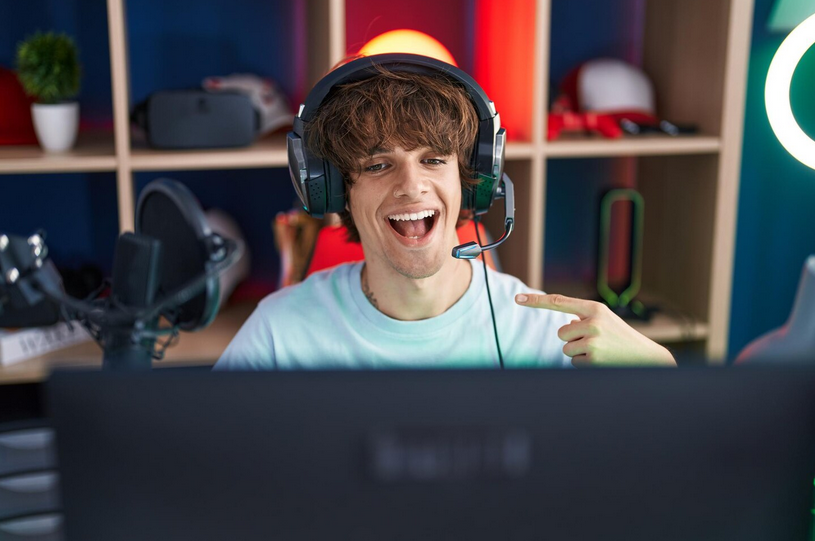
Breaking into YouTube can feel overwhelming, especially when every other creator seems to have a studio setup worth thousands. And while tools are important, growing your channel often takes exposure strategies. Best sites to buy YouTube views from real users helps your content in gaining traction. The truth is, you don’t need to drain your savings to start streaming. Affordable gear can still deliver crisp video, clean audio, and professional vibes. Now, let’s talk equipment that works without costing a fortune. Here’s everything that could level up your live streaming quality.
Webcams
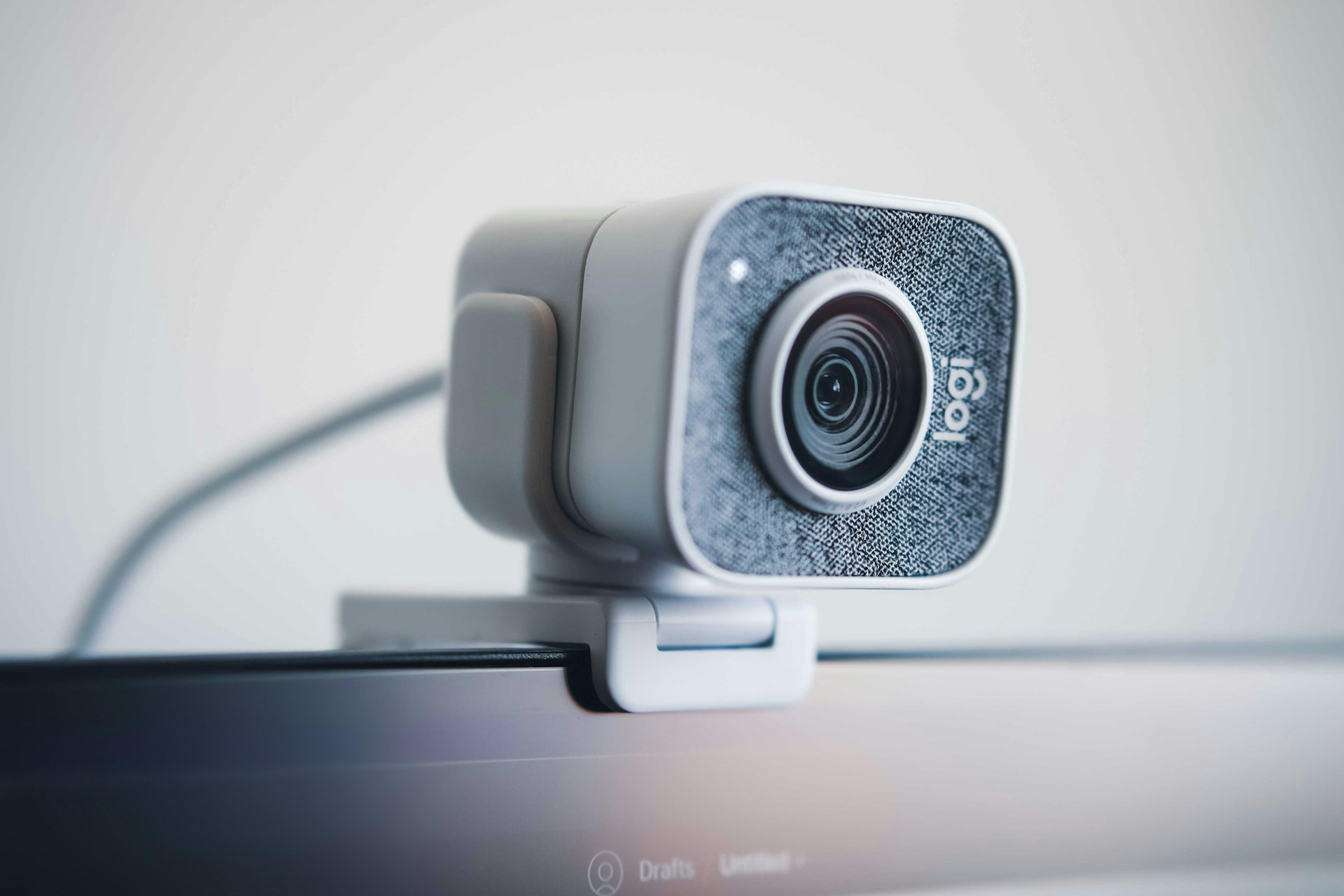 For new streamers, a reliable webcam is the simplest way to start. Popular options like the Logitech C920 or C922 still hold up, offering clear video at 1080p. They’re portable, easy to set up, and won’t weigh heavily on your budget. Some creators underestimate webcams, assuming they lack quality. But with decent lighting, a good webcam can rival mid-level cameras. Many top YouTubers actually started with one before upgrading. Plus, webcams integrate smoothly with most streaming software. That means less fussing around with drivers and more time focused on creating content people actually want to watch.
Microphones
Audio often matters more than visuals. Viewers will forgive a slightly grainy video, but rarely stick around for muffled sound. Budget-friendly USB microphones like the Blue Snowball or Fifine K669 can make a huge difference. These mics plug directly into your computer and require no extra gear. They’re also adjustable, letting you control gain and direction to suit your space. For under $60, you can sound dramatically better than your laptop’s built-in mic. However, it’s worth mentioning that quality audio doesn’t demand a studio.
Lighting Kits
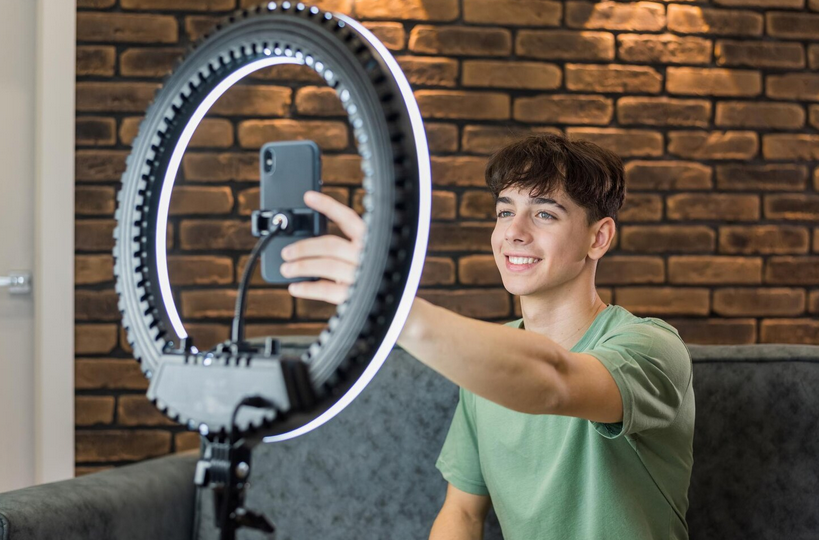
Good lighting instantly levels up your production. Without it, even the best camera looks dull. Ring lights are a common starter choice, but softbox kits or LED panels offer more flexibility. Affordable kits are widely available online, often under $100. They provide even lighting that reduces harsh shadows, making your face look natural on camera. Placement matters just as much as the gear itself. Experiment with angles and brightness until you find a flattering balance. Even small adjustments can transform your space from gloomy to professional with little effort.
Green Screens and Backdrops
Not every streamer has a photogenic background. A green screen lets you replace your messy room with something more professional. Basic collapsible options are inexpensive and easy to store. They work well with software like OBS, which can swap the background in real-time. This makes your content feel more polished without requiring expensive studio décor. Backdrops are another option if you prefer a physical aesthetic. A clean wall, fabric sheet, or bookshelf can all create a pleasant frame for your streams.
Audio Interfaces and Accessories
 If you plan to upgrade beyond USB mics, an audio interface is your bridge. Devices like the Focusrite Scarlett Solo let you connect XLR microphones to your computer. They provide stronger sound control and a more natural tone. For beginners, this step isn’t mandatory. But those interested in growing long-term will appreciate the flexibility. Interfaces also support instruments and other inputs, handy if your content blends music with streaming. Accessories also help polish your setup. A pop filter cuts out distracting “p” sounds, and an arm stand keeps your mic steady.…